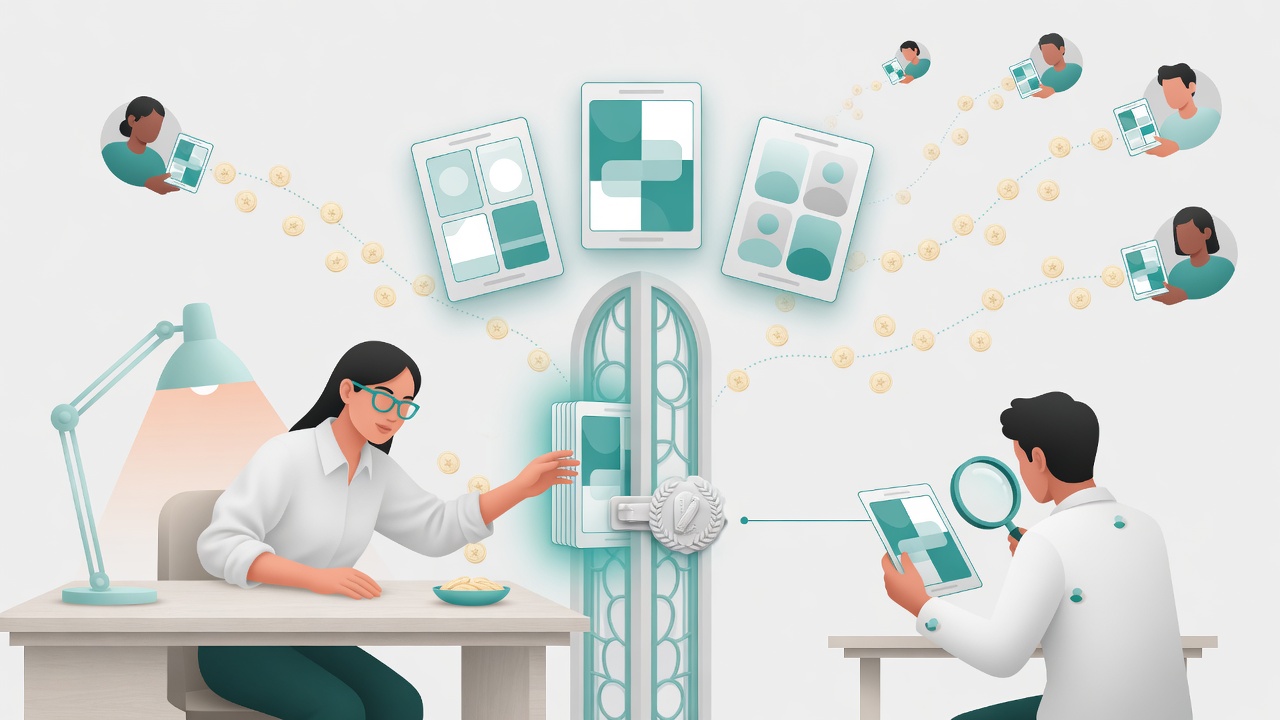
To become a Canva creator in 2026, you apply to the Canva Creators Program with a portfolio and get approved. No followers, no audience, no minimum subscriber count. Canva looks at your design work, not your reach. That's the short version, and it's genuinely the appeal here: this is a merit door in a creator economy that mostly runs on follower gates.
The longer version has two catches worth knowing before you spend a weekend building an application. The flagship track is in beta and the review can take a couple of months, and Canva won't tell you what it actually pays. Let me walk through both.
First, sort out which "Canva creator" you actually mean
People use "become a Canva creator" to mean two different things, and it's worth being clear which one you want. One is using Canva as a tool to make money on your own terms: designing templates and selling them on your own store, doing client work, that kind of thing. You don't need anyone's permission for that.
This post is about the other one, the official Canva Creators Program. That's where you contribute designs to Canva's own global content library and earn royalties when hundreds of millions of Canva users put your work into their designs. It's the version most people mean when they say they want to "get paid by Canva," and it's the one with an actual gate.
The join flow: it's a portfolio review, not a follower check
Here's the part I like about this program. You apply, and Canva judges you on your design work. There's no follower minimum and it's open worldwide. If you're a strong designer sitting on zero audience, this is one of the rare programs where that doesn't disqualify you.
You start by choosing a creator type. There are three:
- Template Creators — you build ready-to-use templates (the big, well-known track).
- Element Creators — you contribute graphics, illustrations, and other design elements.
- Education Specialty Creators — teachers and education designers making classroom-ready content.
Then you submit your portfolio. This is the whole ballgame, so treat it that way. Canva wants a public link that doesn't require a login, with 5 to 10 high-quality examples. Not fifty. Five to ten of your best, across a mix of formats (social posts, presentations, documents) so a reviewer can see range. They're checking real design fundamentals: alignment, balance, spacing, color, typography. And they screen for originality, so everything has to be your own work.
The rejection reasons Canva lists are the mirror image of that advice: a portfolio that's private or behind a login, fewer than 5–10 quality pieces, weak variety or craft, and work that isn't original. Get those four right and you've cleared the bar most rejected applicants trip on.
Check the live application requirements before you build your portfolio
See the full Canva Creators requirementsThe part Canva won't put a number on: what it pays
Here's where I have to be straight with you. Canva pays royalties, and it does not publish a rate.
The model is a royalty pool. Canva's own help docs describe it plainly: as a creator you earn based on your content's performance, and for templates that means how many usages you get, where a usage is a design being downloaded, printed, or presented. Your share of the pool scales with your usage relative to everyone else's. Canva also ties the pool to its paid tier: more Pro-template exports feed a bigger pool, and as Canva Pro grows, so does the money available to pay creators.
What Canva doesn't give you is a per-use price or a percentage. There is no "$X per download" figure I can hand you, because Canva doesn't disclose one, and our own verified data lists the payout as unconfirmed for exactly that reason. So if you find a blog promising "Canva pays $0.0X per use" or "top creators make $Y a month," read it as somebody's estimate, not a Canva commitment. The honest answer is that earnings depend on usage volume in a pool whose rate Canva keeps to itself. If you want to sanity-check what a royalty stream like this could be worth against programs that do publish rates, run it through the Gemlist calculator rather than trusting a random number.
The 2026 reality check: beta, and a real wait
The other thing to know going in: the flagship Template Creator track is still in beta, and it has been for a while. Canva's help centre says it can take up to a couple of months to hear back on a Template Creator application, and reporting through early 2026 confirms the track is still invite-limited. The Education Specialty track is also a newer beta, onboarding a small group at a time.
Translation: this is not a same-day monetization switch. It's a portfolio you build carefully, submit, and then wait on for weeks to months. That's not a knock, it just changes how you should treat it. Don't rush a thin application to "get in the queue." A weak submission burns your shot and Canva's review cycle is long enough that a redo costs you real time.
Who should do this, and who shouldn't
Do it if you're a designer who can make reusable, scalable assets — templates and elements that everyday Canva users actually adopt. The dream here is passive: you make a great template once, it gets used thousands of times, and royalties trickle in without you touching it again. For someone who enjoys the design craft and can produce range, being early in Canva's library is a legitimate long-game play, and the no-follower door means you get in on skill.
Skip it, or at least don't lead with it, if you need money soon, if your portfolio is thin or samey, or if you were hoping for a published rate you can forecast against. The uncertainty on pay plus the beta wait makes this a "plant a tree" program, not a paycheck. Pair it with something that pays more predictably while the Canva royalties build.
If you want to see the earnings side of this specific program in more depth, I broke down how much Canva pays creators separately. And if the "open door, no followers, judged on your work" model is what you're after, it's worth comparing against other merit-based platforms like the Meta Horizon Creator Program or browsing the wider set of creator programs and AI creator tools before you commit your portfolio to one.
Ready to apply to Canva Creators?
See the live Canva Creators Program requirements, the three creator tracks, and exactly how the royalty pool works — then build the portfolio that gets you approved instead of rejected.
Open the Canva Creators breakdownFrequently asked questions
How do you become a Canva creator in 2026?
You apply to the Canva Creators Program with a portfolio, not a follower count. Pick a creator type (Template Creator, Element Creator, or Education Specialty Creator), then submit a public portfolio link that needs no login, showing 5 to 10 high-quality pieces across a mix of formats. Canva reviews your craft and approves or rejects you. It's open worldwide and there's no audience requirement. Once you're in, you publish designs to Canva's library and earn royalties when people use them.
Do you need followers or an audience to join Canva Creators?
No. Canva Creators has no follower minimum and doesn't check whether you have a social audience. Approval is based entirely on your portfolio: a public, login-free link with 5 to 10 polished examples that show variety and solid design fundamentals (alignment, spacing, color, typography), and original work you actually made. This makes it one of the few programs where a strong designer with zero followers can get in on merit alone.
How much does Canva pay its creators?
Canva pays usage-based royalties from a shared royalty pool, but it doesn't publish a per-use rate or a percentage. Its own help docs say royalties depend on how many usages your content gets, where a usage means a design being downloaded, printed, or presented. The pool grows as Canva Pro grows, so successful Pro-tier templates pull larger shares. There's no fixed dollar figure Canva commits to, so treat any specific earnings number you see elsewhere as an estimate, not a promise.
How long does Canva Creator approval take?
It varies by track, and the flagship one is slow. The Template Creator program is in beta, and Canva's help centre says it can take up to a couple of months to hear back on your application. Element and Education Specialty tracks run on their own timelines. Plan for a wait measured in weeks to months, not days, and don't submit a thin portfolio hoping to fix it later.
Why do Canva creator applications get rejected?
The usual reasons are all portfolio problems. Canva rejects applications when the portfolio link isn't public or sits behind a login, when there are fewer than 5 to 10 quality examples, when the work lacks variety or shows weak design fundamentals, or when the submitted work isn't the applicant's own original creation. Canva screens for originality, so reused or templated-looking work gets caught.
More from Gemlist
How Many Watch Hours to Monetize YouTube in 2026
How many watch hours to monetize YouTube in 2026: 4,000 valid public hours in 12 months plus 1,000 subs for ad revenue, or 3,000 hours at 500 subs for fan funding.
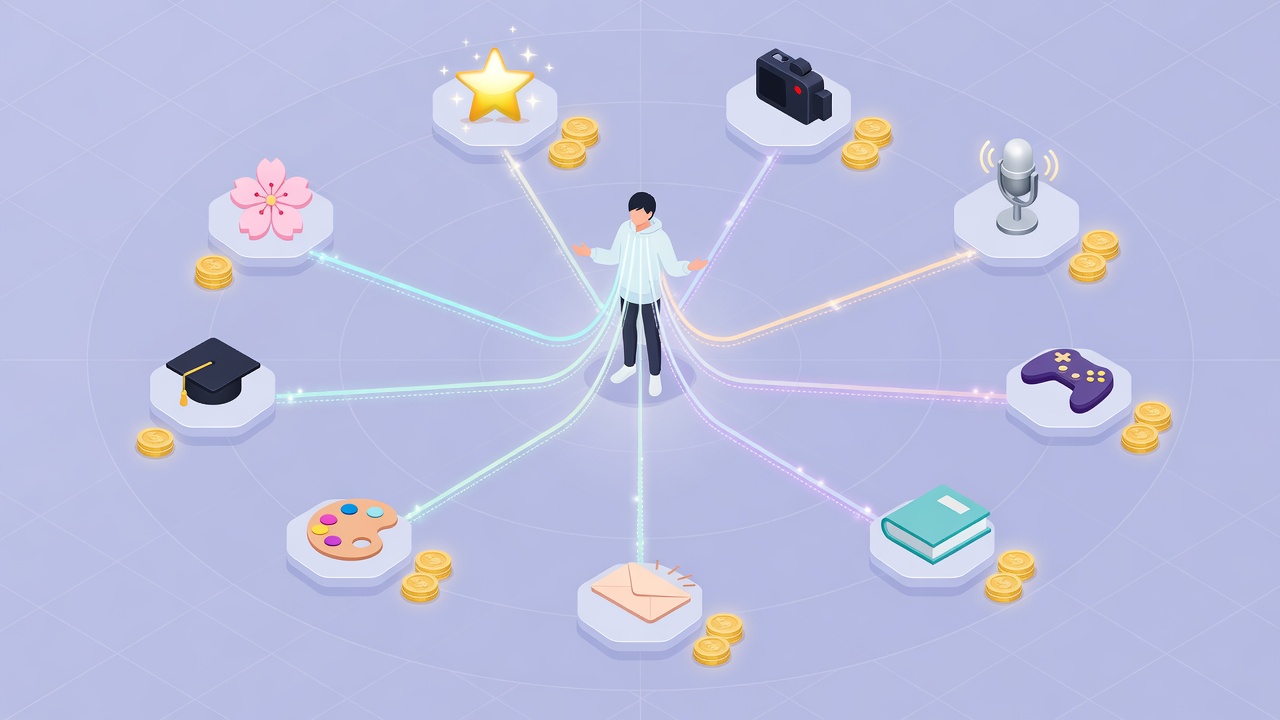
Creator Monetization Platforms 2026: Complete Guide by Category
How do creators make money in 2026? This guide covers 69 verified creator programs across 9 categories — video, streaming, music, gaming, writing, newsletter, beauty, education, and AI tools — with real payout rates and entry requirements.
How Much Does Ream Stories Take? Author Fees & Payouts (2026)
How much does Ream Stories take from authors? A flat 10% platform fee plus standard card processing (~2.9% + $0.30). Free to start. Here's the real math.